Integrations for CRMs and AI tools
Connect BenefitFlow to your existing workflow.
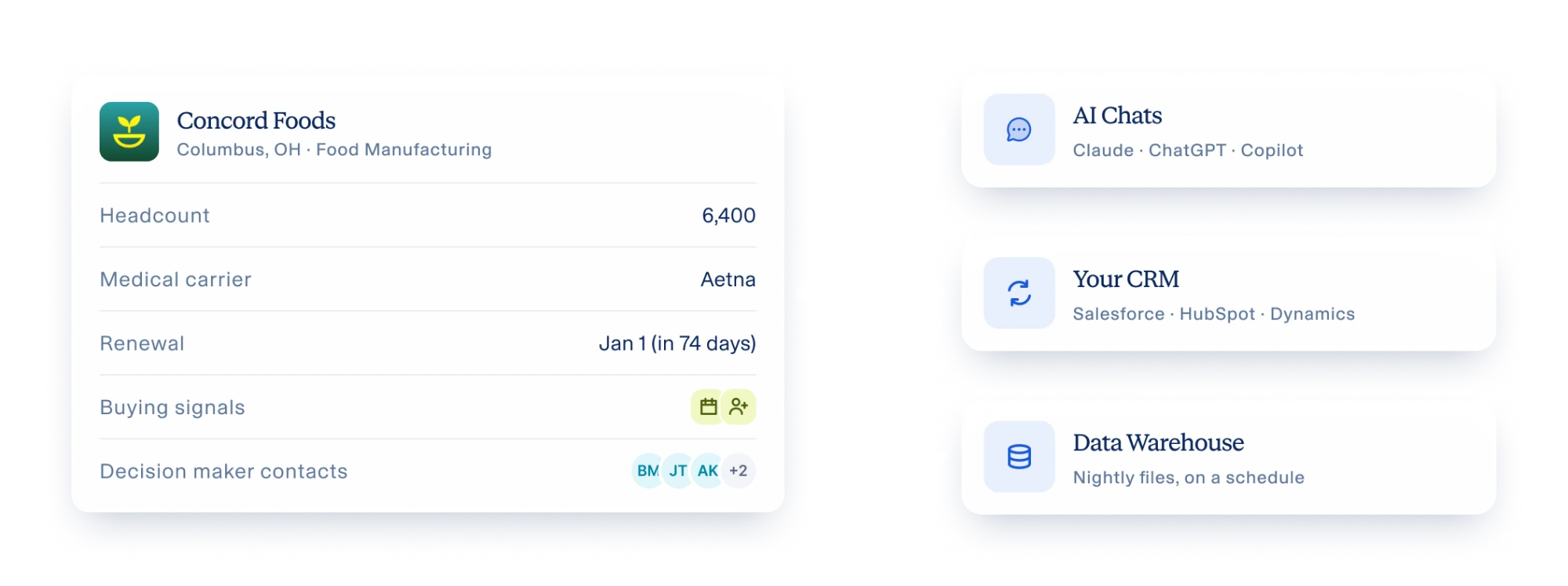
The same powerful data, everywhere: sync to your CRM, query from your AI chat, or pull the whole dataset in bulk.
Trusted by top revenue teams across employee benefits and insurance






Three ways to connect. One source of truth.

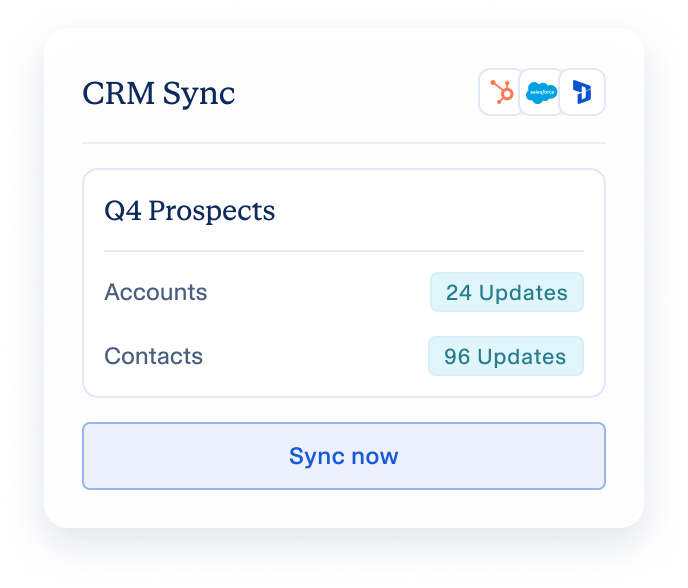
Push directly to CRM
Accounts and contacts land in Salesforce or HubSpot, and stay current on a schedule.

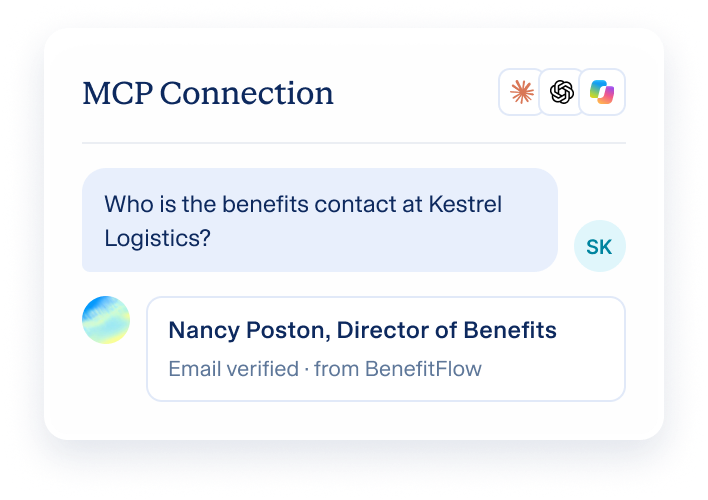
Converse in AI chats
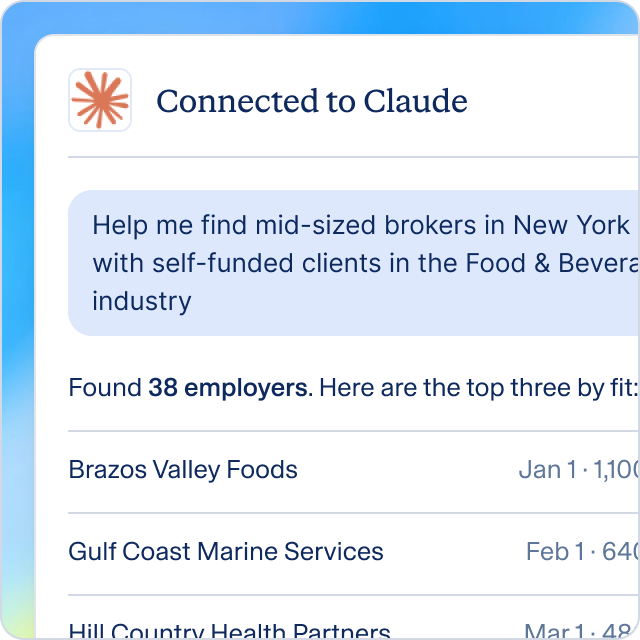
Ask in Claude, ChatGPT or Copilot.

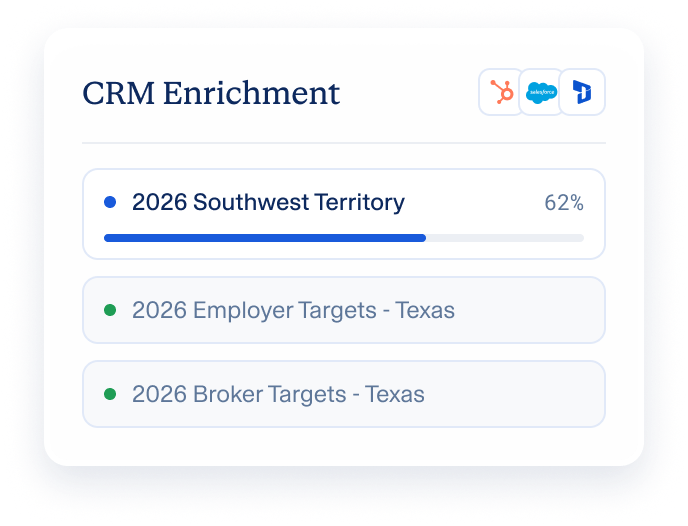
Run scheduled enrichments
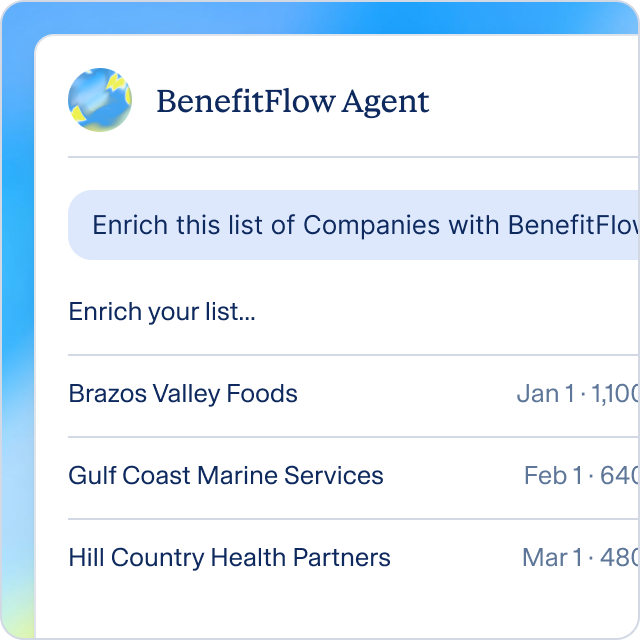
The full dataset as files or straight into your warehouse, delivered on a schedule.
Always-current CRM data with no-code setup.
Always current
Records refresh on a schedule. No manual exports.
No-code setup
Connect from settings. No engineering needed.
Two-way sync
Your team’s edits stay put. Nothing is overwritten.
Enterprise security
SOC 2 compliant. Access follows your permissions.
Explore the database.
Explore Data & SignalsEmployee benefits
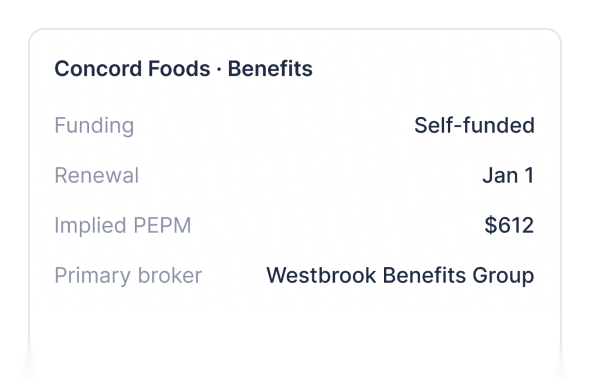
Plans, carriers, brokers, premiums, commissions and renewal dates, mapped to the right broker office.
P&C
Retirement
Broker offices
Contacts and licensing
Firmographics and workforce
Employee sentiment
Benefits, company and intent signals
Explore the integrations.
Every CRM and AI tool BenefitFlow connects to, in one place.

Salesforce
Accounts, contacts and signals sync both ways, so reps see the BenefitFlow record without leaving Salesforce.

HubSpot
Companies and contacts stay enriched in HubSpot, with new signals ready for lists and workflows.

Microsoft Dynamics
Keep Dynamics 365 accounts and contacts current with BenefitFlow data, refreshed on a schedule.

Claude
Ask Claude about any employer, broker or renewal and get answers grounded in BenefitFlow data.

ChatGPT
Bring BenefitFlow into ChatGPT to research accounts and draft outreach with verified data.

Perplexity
Pair Perplexity’s web research with BenefitFlow’s employer, broker and contact records.

Copilot
Use BenefitFlow inside Microsoft Copilot to prep for calls and answer account questions in your workflow.
7 of 7 shown.
Frequently asked questions
Still have questions? Our team is happy to walk you through it.
Talk to salesSalesforce, HubSpot and Microsoft Dynamics, each with two-way sync and scheduled enrichment.
Yes. Records flow both ways, and your team’s edits stay put. Nothing is overwritten.
No. Connect from settings, with no code and no engineering team. Enrichment then runs on the schedule you set.
Claude, ChatGPT, Copilot and any MCP-compatible client, through BenefitFlow MCP. Your account’s permissions apply, and your data is never used to train AI models.
Yes. Enterprise data teams can take the full dataset as scheduled files over SFTP, or loaded straight into your warehouse.

Connect BenefitFlow to the tools you use.
See your market inside your own stack: your CRM, your AI chat, or your data warehouse.